
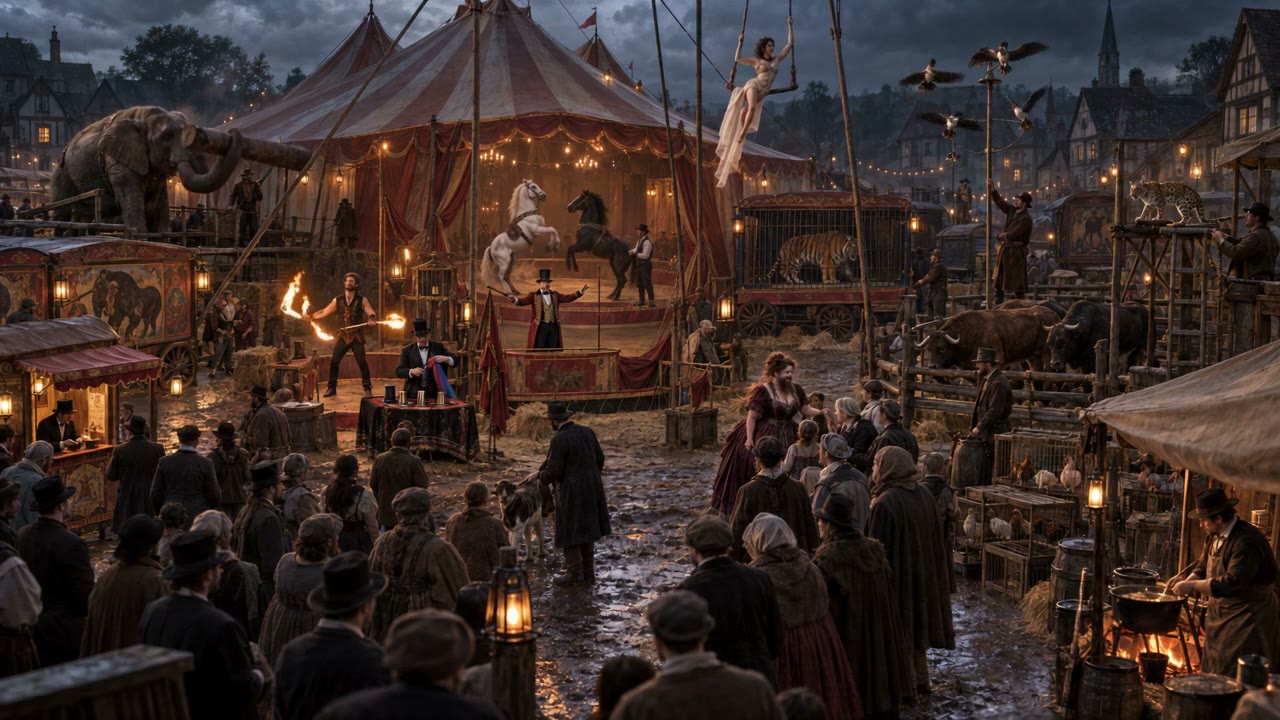

THE FIRST RINGCharacters
Scenes
Visual directionProject memory, in view.
Scenes
Visual directionProject memory, in view.
Start with the world.
Keep character references, scene frames, and visual direction close to the project they belong to.
YNVMAKER · VISUAL PRODUCTION WORKSPACE
YNVMaker keeps a project’s visual references, creative jobs, media, and clip assembly connected, from first idea to finished sequence.
A guided walkthrough covers the current workspace and shows which creative tools are available for your setup.
THE PLATFORM
When the story, assets, jobs, and edits live together, your team can spend more time shaping the sequence and less time rebuilding context.
Keep character references, scene frames, and visual direction close to the project they belong to.
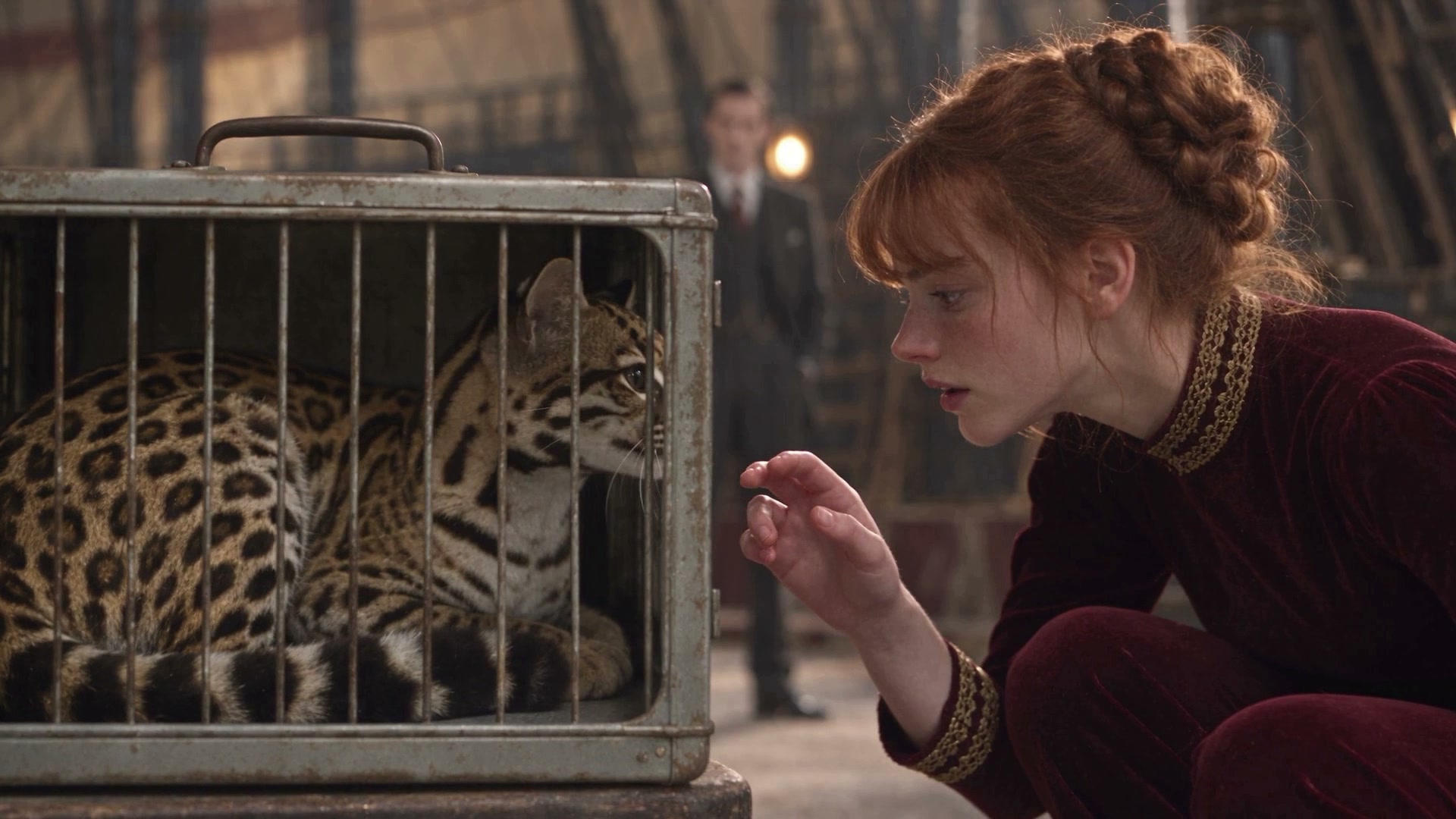
Collect generated and uploaded media in one gallery with playback, metadata, and downloads.
Follow creative jobs, review progress, and find completed outputs without losing the project thread.
A BETTER PRODUCTION LOOP
One clear path from a visual idea to a sequence your audience can watch.
Gather the character, scene, and style references the project depends on.
Run available creative jobs and bring new media into the project library.
Assemble clips, prepare versions, and review the finished output.
SELECTED WORK
Finished films from Nimbus projects. Select one to watch.
CASE STUDY · OTHER SOFTWARE BUILT BY NIMBUS
TradesQuest is an interactive learning platform where students explore careers through guided scenarios, practice, and hands-on challenges.
Explore TradesQuest A separate Nimbus product, not part of YNVMaker · Louisiana career learningNEXT STEP
We’ll walk you through the YNVMaker workspace with your project and production process in mind.
Request a product walkthrough